

Quick Summary: Avoid the trap of over-engineering your infrastructure before proving your product has market demand. Focus on a lean stack using managed services for auth, databases, and payments to minimize maintenance. Use resources like SaaS Build Directory to compare tools by development stage, ensuring you only invest in infrastructure that supports your current growth.
Every hour spent designing infrastructure that does not test your core idea is an hour taken from your first customer conversation. That is the trap most founders fall into: they perfect the startup technology stack before proving anyone wants the product.
This guide takes the opposite approach. It shows you how to build a lean SaaS tech stack at each stage, from idea validation through launch, so you invest only in SaaS development tools that earn their keep. You will see when no-code beats a boilerplate and when custom code finally makes sense, plus sane MVP defaults for auth, database, email and payments.
This framing is intentionally stage-based. SaaS Build Directory is a curated directory of tools for SaaS founders, so the focus is on comparing options by current need rather than naming one universally best founder technology stack. The right choice is the one that helps you gather useful product evidence without taking on unnecessary maintenance.
Step 1: Assessing Validation and Development Speed
Your first SaaS tech stack decision is really a speed decision. You are not building for scale yet. You are building the smallest thing that proves someone will pay, so the fastest safe path to a working product wins.
The No-Code vs Code Trade-off
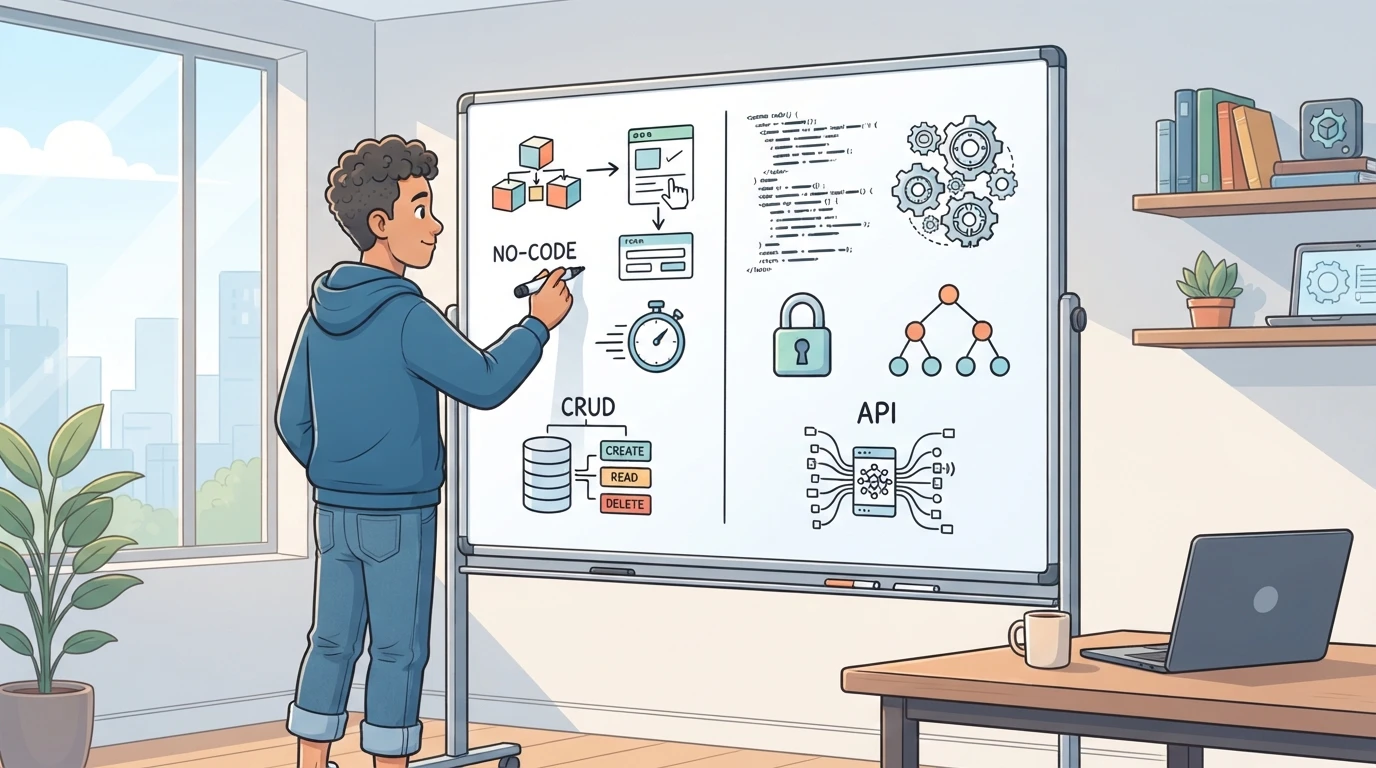
No-code platforms can shorten MVP development when their capabilities fit the product and your skills. That speed is useful when demand is still a guess. Depending on the platform, the trade-offs may include less control over data models, custom logic and portability. Ask yourself three questions before choosing: Can your current skills ship faster with code or without it? Does your product need anything a no-code tool cannot express? How hard would migration be if the tool fails you? If your idea is a standard CRUD app, no-code is worth evaluating. If the core value is a custom algorithm or deep integration, check those constraints before committing to a platform.
The Boilerplate Advantage
If you can write basic code, a maintained boilerplate gives you the middle path. It may bundle auth, payments and database setup into a working start, reducing setup work while giving you source-code access under its license. The trade-off is upkeep. You inherit someone else's structure, so pick one with recent commits, a clear license and an active community. Check that it matches your skills rather than the maintainer's favorites. When you compare options across build stages, a curated tool directory like SaaS Build Directory helps you discover options; check each provider's current features and terms before choosing.
Step 2: Defining Essential MVP Infrastructure
Core MVP Components
Many MVPs benefit from five capabilities: a user-facing product, data storage, authentication when accounts are required, a way to deploy updates, and transactional email when the product sends messages. The exact set depends on the product; do not add a component until the next user or business requirement needs it.
Pick each part based on what you already know. If you write React daily, stay in React. If you don't code, a no-code tool may support an early version when it fits the workflow. The goal is the shortest path to a working product, not the most impressive architecture.
Keep the pieces boring and well documented. A managed database can reduce operational work because the provider handles parts of backups, updates and availability; check the service's actual responsibilities before relying on it. Managed auth, such as Supabase Auth or Auth0, can keep password handling out of your application, while each provider's documentation covers its own setup and limits.
Transactional email is easy to forget until signup emails fail. If the product needs those messages, evaluate a provider like Postmark, Resend, or Amazon SES, authenticate your sending domain, and test delivery. Domain verification alone does not guarantee inbox placement.
Optimizing for Transactional Reliability
When a customer is ready to pay, payment infrastructure becomes part of the product. Stripe documents hosted and embedded Checkout flows in its official Checkout documentation. Paddle documents its Billing platform, including subscriptions, APIs and webhooks, in its official developer documentation. Start with the simplest supported checkout flow; custom billing can wait until the product has a clear reason to need it.
Monitoring can stay minimal too. One error tracker, such as Sentry with its official setup documentation, and one analytics tool are often enough for an early product. If payments break, you want to know within minutes, not after a support email.
For the rest, postponement is a feature. Load balancers, queues, and microservices can wait unless a current workload or reliability requirement needs them. Our infrastructure category is a starting point for finding relevant tools, so you can evaluate what the current stage needs and skip the rest.
Step 3: Strategic Postponement of Complexity
Most early complexity is optional. You add it because a tool's feature list makes you nervous, not because a customer asked. Postponing it keeps your stack small, your costs low and your options open.
Monitoring and Analytics Early Stages
Before you have meaningful usage data, start with three questions: did signup work, did payment go through, and did the core feature run without errors? Add other measurements when they address a specific product, security or reliability requirement.
Start with error tracking and a basic analytics tool. That covers crashes, broken flows and where visitors drop off. Skip the data warehouse, the session replay suite and the custom dashboards until a paying customer's behavior gives you a real question to answer.
A simple rule works well here. If a product metric would not change what you build or fix this month, question whether to collect it yet; necessary security and operational logs are a separate concern. You can find lighter options for analytics and monitoring tools by build stage, and reduce future migration work by keeping integrations limited and documented.
The Case for Simple Deployment
A single hosting provider with push-to-deploy can be a sensible starting point at launch: one production region and a tested rollback path. Keep development or test data isolated from production, even with simple hosting. Add deployment complexity when traffic, data-location or reliability requirements justify it.
Complicated infrastructure earns its keep when traffic, compliance or uptime demands force the issue. Kubernetes, multi-region setups and service meshes all add maintenance work before you have revenue to pay for it. A paid hour spent shipping features beats one spent tuning servers.

Migration later is real work, but it is work you can plan for once demand justifies it. Complexity added before launch should still solve a current problem.
| Stage | Add now | Can wait |
|---|---|---|
| Pre-launch | Error tracking, basic analytics where useful | Session replay, elaborate dashboards |
| First customers | Simple deploy, isolated testing, essential alerts | Multi-region, elaborate staging clusters |
Step 4: Evaluating Total Operating Cost and Portability
The sticker price of a tool is rarely the real price. A low monthly bill can still carry a large maintenance burden, while a pricier managed service may cost less once you count your time and operational risk.
Calculating Maintenance Burdens
Maintenance shows up in four places. Security patches and dependency upgrades are the first. Every library and framework in your application is something you must maintain. Managed services can reduce infrastructure work, but your dependencies, access controls and application security remain your responsibility.
Second, look at the integration effort. Auth, payments and email rarely work together out of the box, so each tool you add brings glue code. Glue code is code you own forever. Fewer, broader tools usually mean less of it.
Third, estimate how much of the system only you understand. If a co-founder cannot restart the database or redeploy the app without you, that knowledge gap is a hidden operating cost. Write the setup down or pick tools that are boring and well documented.
Fourth, price the exit. Portability means you have a practical path to move your data and code elsewhere, not that migration requires no work. Standards-based choices such as Postgres, standard OAuth and portable templates often make migration easier. Proprietary frameworks and vendor-locked databases may require more work to replace, so understand the exit path before committing.
| Cost Type | Cheap Now | Costs Later |
|---|---|---|
| Hosting | Self-managed server | Patching, downtime risk |
| Database | Vendor-locked option | Migration rewrite |
| Auth | Custom build | Security debt |
| Defer it when the product sends no messages | Missing transactional flows later |
Add up the monthly bill plus the hours you expect to spend keeping it alive. Rate your own time honestly.
Browse infrastructure options by build stage in a curated tool directory to compare what each choice will demand of you.

Frequently Asked Questions
Q1: How should a solo founder choose a SaaS tech stack?
Start from what you already know. Your existing skills cut setup time and maintenance load. Match each tool to your current stage, and pick boring, well-documented options you can replace later if needs change.
Q2: Which tools are essential at validation, MVP and launch stages?
Validation may need only a landing page and a way to collect interest. For an MVP, add the product capabilities your use case requires; accounts, data storage, deployment and transactional email are common needs, but none is universal. At launch, add payments and basic analytics when customers need to pay and you need to understand usage.
Q3: When should a founder choose a no-code builder, a boilerplate or a custom stack?
Choose no-code when its capabilities fit the idea and help you test it quickly. Use a maintained boilerplate when you code and want a starting point for auth and billing; those integrations still need configuration and testing. Go custom when requirements no longer fit either option.
Q4: Which tools and infrastructure can wait until after launch?
Postpone advanced monitoring, multi-region scaling, team tooling and heavy integrations unless a current requirement justifies them. Keep basic security, reliable backups where needed, and critical error or payment alerts from the start.
Q5: How do I keep technical debt low as a beginner?
Prefer hosted services over self-managed servers, write down where your data lives, and avoid clever custom solutions in areas that aren't your differentiator.
Conclusion
A good SaaS tech stack at the earliest stage is the one that is affordable to change. Validate demand before you write much code, then pick between no-code, a maintained boilerplate or custom work based on your existing skills and how much maintenance you want to own. For the MVP, start with familiar options for the capabilities it needs: a frontend, data storage, auth if accounts are required, simple deployment and email if it sends messages. Add payments and light analytics when customers need them, and postpone extras without postponing basic security or reliability. Every choice trades maintenance, portability, data handling and monthly cost, so favor tools you can leave easily. When you need to compare options at each stage, browse curated SaaS tool categories instead of settling for the first name you recognize.